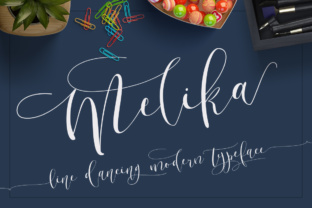
Melika Script: A Stylish Display Font
As a web designer, I’m always on the lookout for fonts that bring personality and visual interest to a site without sacrificing readability. Melika Script has quickly become one of my go-to choices when it comes to adding a touch of elegance and creativity to digital projects.
First Impressions: A Graceful Handwritten Style
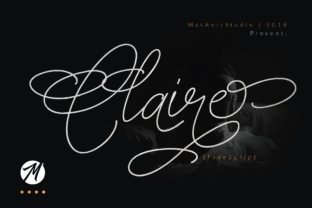
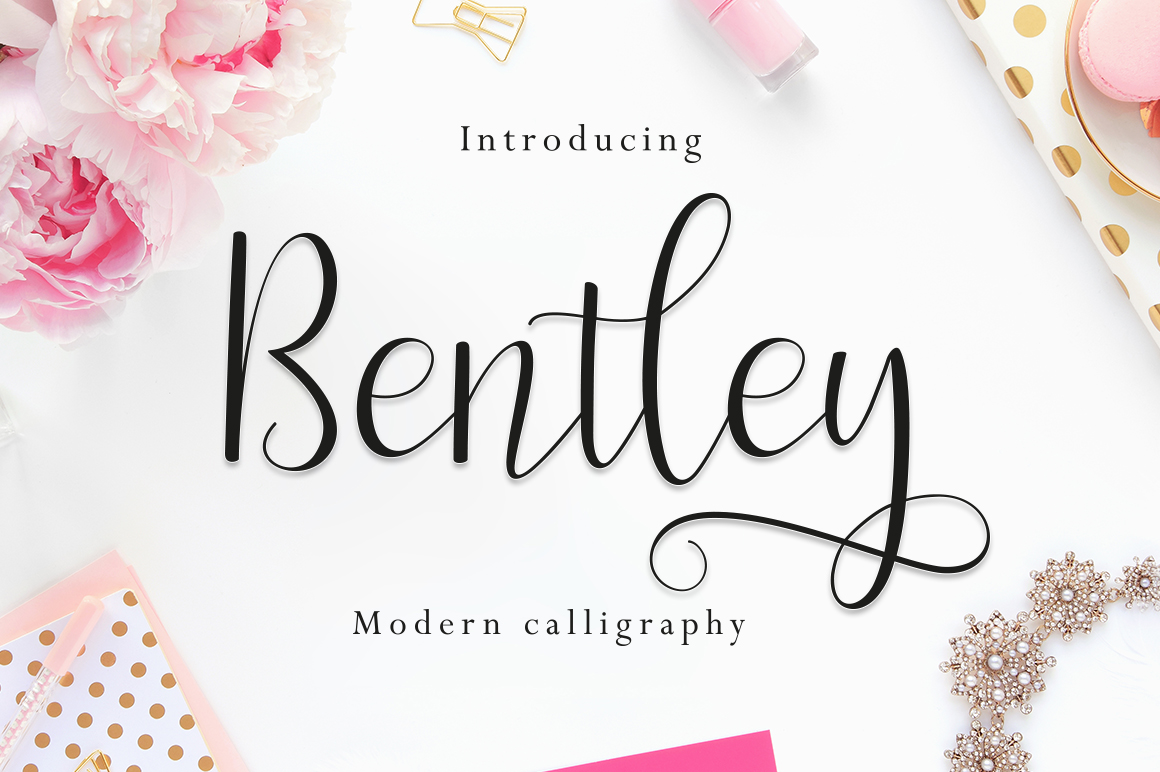
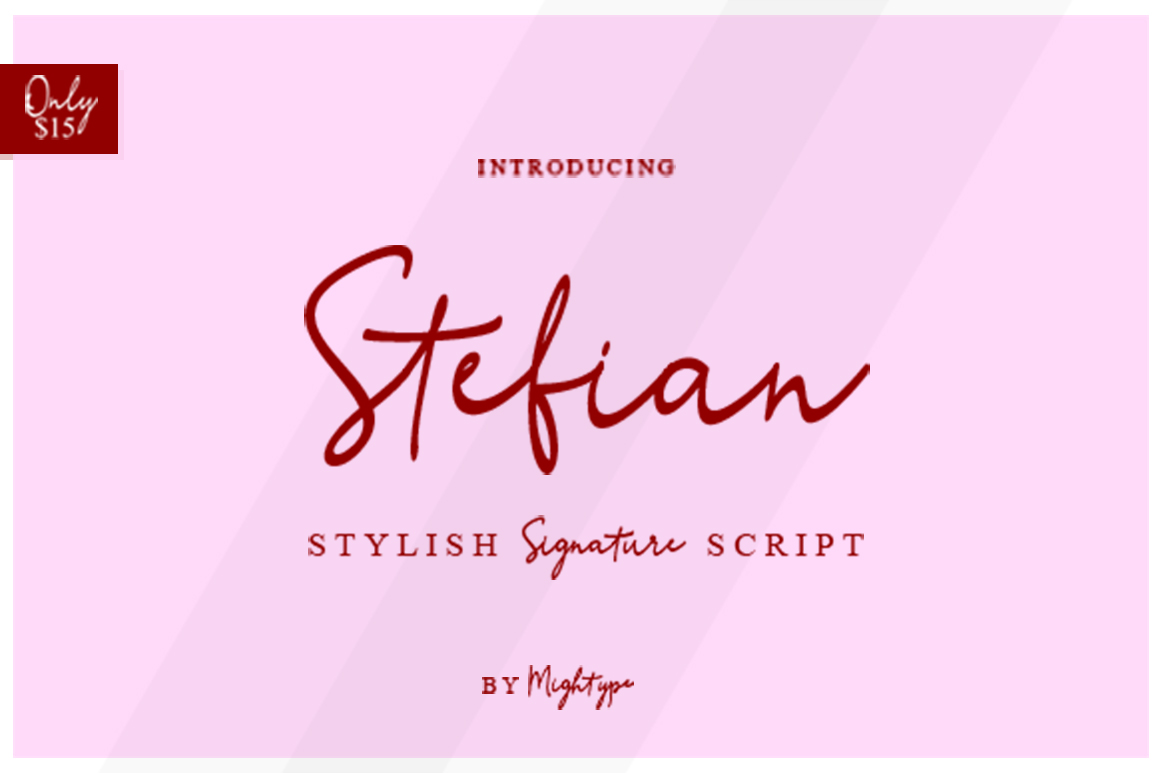
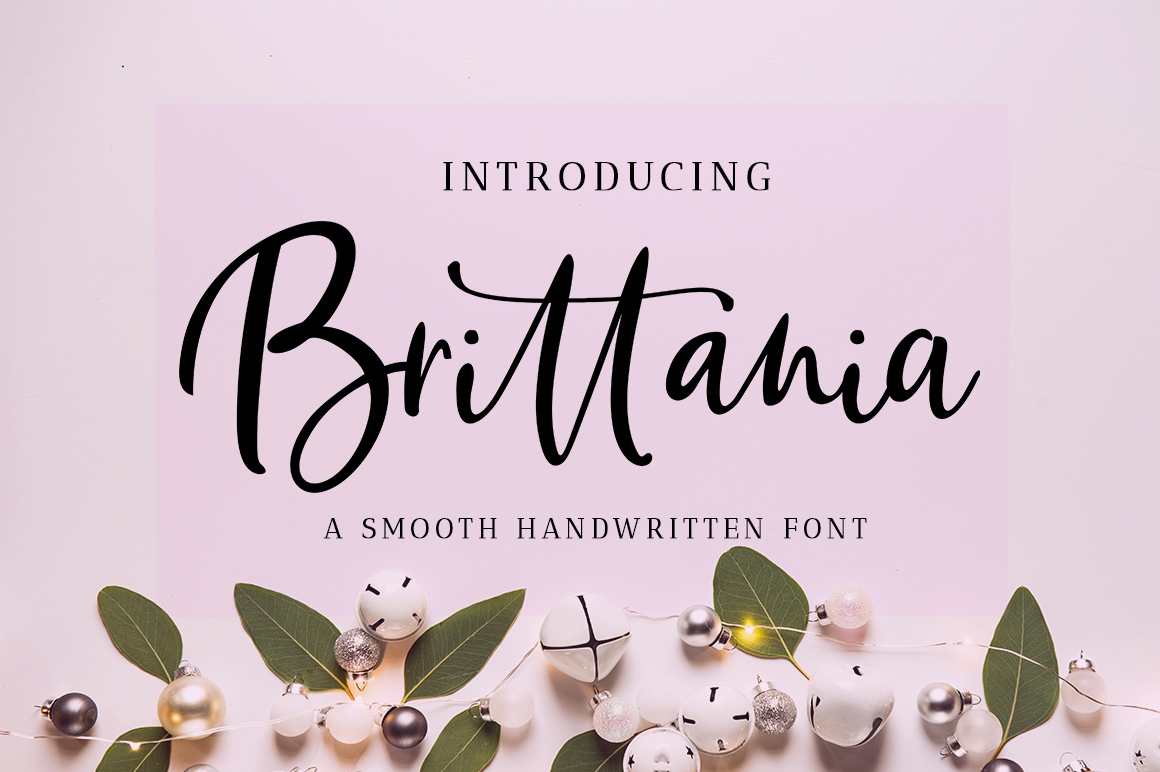
When I first opened Melika Script, I was immediately drawn to its fluid, copperplate-inspired strokes. The font feels like it was written by hand, with soft curves and elegant flourishes that give it a warm, approachable feel. It’s not overly ornate, which makes it perfect for modern web design while still maintaining a sense of sophistication.
Testing it in a hero section of a boutique online store, I found that Melika Script adds a unique flair to headings and subheadings. Its flowing lines make it ideal for creative portfolios, brand logos, or any area where you want to emphasize a message with a personal touch.
Web Usability: When to Use and When Not To
Melika Script shines in display roles—think headlines, call-to-action buttons, or section titles. It works especially well when paired with a clean sans serif font for body text, creating a balanced and professional look. For example, using it as a header on a coaching website gives the page a polished, handmade vibe that resonates with audiences looking for authenticity.
However, it’s important to note that this font isn’t suited for long paragraphs or dense blocks of text. On mobile screens, small button labels, or dark backgrounds, Melika can become hard to read. I’ve seen it used effectively in image overlays and banner headers, but it’s best avoided in areas where clarity is critical, like form fields or navigation menus.
One thing I appreciate is how the font maintains its character across different screen sizes. It scales well without losing its charm, making it a reliable choice for responsive layouts.
Designing with Melika: Real-World Examples
I recently used Melika Script on a product landing page for a new line of artisanal candles. The font added a refined yet inviting tone that matched the brand’s aesthetic. Placed over an image of a candle jar, it felt natural and elevated the overall design without overwhelming the viewer.
Another project involved a course sales page for a digital marketing course. Using Melika for the headline made the offer stand out, drawing attention to the key message while keeping the rest of the layout clean and easy to scan.
For a blog redesign, I experimented with Melika as a header font. It gave the site a more editorial feel, complementing the content without distracting from it. Pairing it with a simple serif font for the body text created a cohesive and visually pleasing hierarchy.
Font Pairing and Brand Consistency
One of the strengths of Melika Script is how well it pairs with other typefaces. Whether you’re going for a minimalist look or something more eclectic, there are plenty of options to create a balanced design. I often pair it with a modern sans serif like Montserrat or Poppins for body copy, ensuring that the font doesn’t overshadow the content.
When working on a brand identity project, I found that Melika helped establish a consistent visual language across multiple touchpoints. From website headers to social media graphics, it provided a unifying element that reinforced the brand’s personality.
It’s also worth noting that Melika comes in multiple weights and styles, which is helpful when designing for different elements of a site. Whether you need a bold version for a CTA button or a lighter variant for a tagline, the font offers flexibility without compromising quality.
Technical Considerations for Web Designers
Before implementing Melika Script on a live site, I recommend checking the available file formats and webfont support. Most premium fonts come with WOFF and WOFF2 versions, which are optimized for fast loading and cross-browser compatibility.
Also, consider multilingual support if your audience speaks more than one language. While Melika Script is primarily designed for English, some variations may include extended character sets. Be sure to test it thoroughly before launching a project.
Finally, always verify the commercial licensing terms. If you’re using Melika Script for client work or an online store, make sure you have the proper rights to do so. This helps avoid any legal issues down the line.